
Snapchat Features Explained: Step-by-Step Guide to Snap Planets & More
Snapchat is more than an app for sending disappearing photos and videos. It has grown into a social platform with tools for messaging, Stories, Streaks, creative effects, short-form videos, location discovery, saved content, AI, and more.
With so many options inside the app, it can be difficult to understand what each Snapchat feature does or which one you should use. This guide explains the most important Snapchat features in simple terms, including how they work and what they are useful for.
You will learn about Snaps, Chat, Stories, Streaks, Memories, Lenses, Filters, Spotlight, Snap Map, My AI, Public Profiles, privacy tools, Snapchat+, and Snapchat Planets and the Friend Solar System.

What Are Snapchat Features?
Snapchat features are the different tools available within the Snapchat app. Some are designed for private communication, while others help you create content, discover videos, save memories, manage friendships, or control your privacy.
Here is a quick overview:
| Feature | What It Does |
|---|---|
| Snaps | Send photos and videos to friends |
| Chat | Send messages and make calls |
| Stories | Share photos and videos with an audience |
| Streaks | Track consecutive Snap exchanges |
| Memories | Save Snaps and Stories |
| Lenses | Add interactive augmented-reality effects |
| Filters | Add visual effects and overlays |
| Spotlight | Discover and share short-form videos |
| Snap Map | Explore locations and map-based content |
| My AI | Use Snapchat’s AI-powered experience |
| Public Profiles | Share content publicly and build an audience |
| Snapchat+ | Access additional premium features |
Some features may not be available to every user. Availability can vary depending on your account, device, location, age, app version, or Snapchat+ subscription.
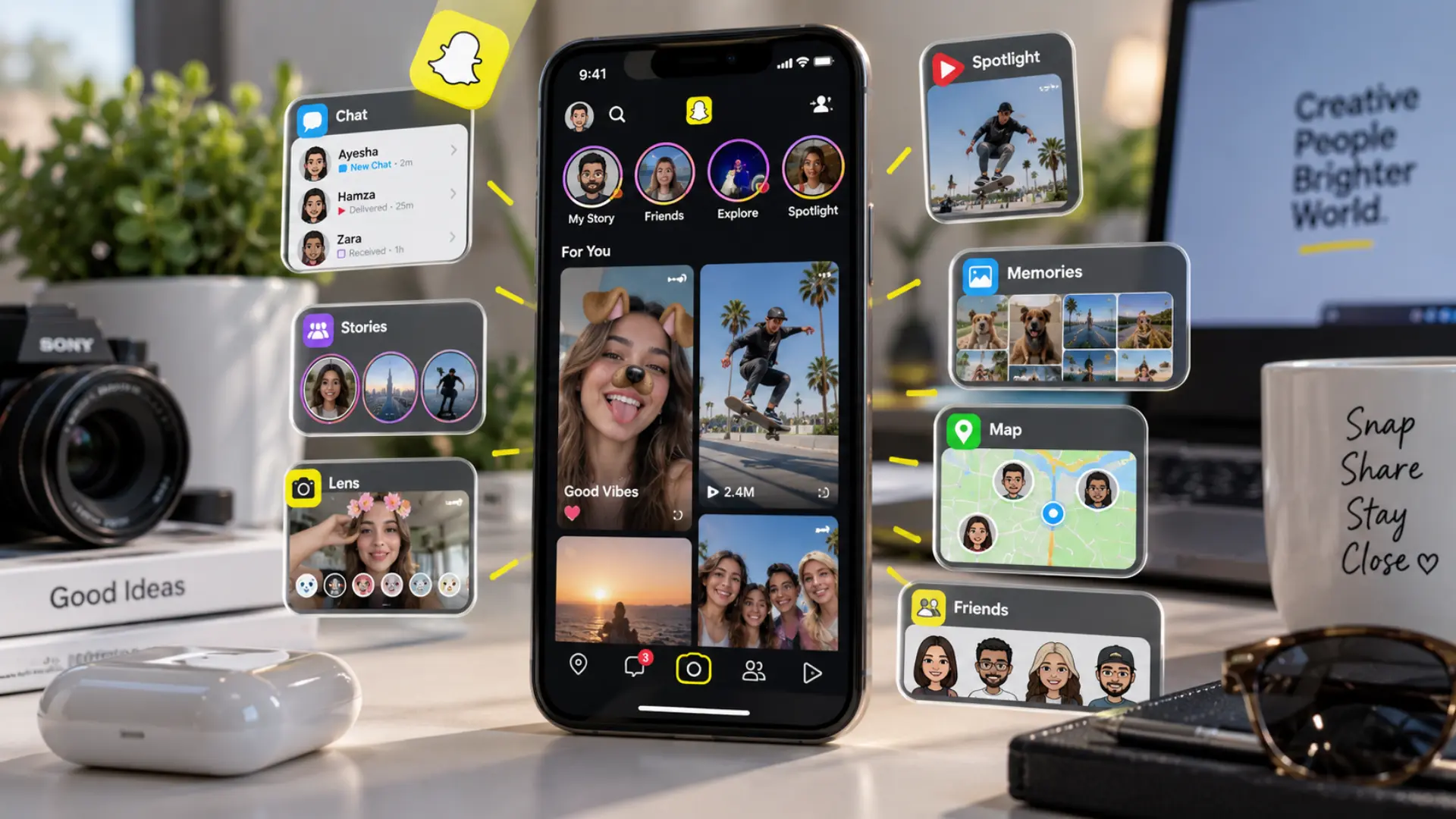
Snapchat Features Explained
1. Snaps
Snaps are photos or videos captured with Snapchat’s camera and shared with friends or through other Snapchat experiences.
You can personalize a Snap before sending it by adding text, drawings, stickers, Lenses, Filters, music, and other creative elements.
How to use Snaps: Open the Snapchat camera, capture a photo or video, customize it if you want, select the people or destination you want to share it with, and send it.
Snaps are primarily designed for quick communication, which is one of the things that makes Snapchat different from traditional social media posts.
2. Snapchat Chat
Snapchat Chat lets you communicate with friends through text messages without having to send a photo or video every time.
Depending on the available features, Chat can also support voice messages, audio calls, video calls, group conversations, and saved messages.
When should you use Chat? Use Chat when you want to have a normal conversation, while Snaps are better suited to quick visual communication.
You can also manage conversation-related settings, including notifications and who can contact you.
3. Snapchat Stories
Snapchat Stories let you combine photos and videos into a sequence that people can view.
You can share content with friends or, depending on your account and privacy settings, make it available to a wider audience.
How to create a Story: Capture or select content, choose the Story option, review your audience settings, and post it.
Stories are useful when you want to share an update with several people instead of sending the same Snap individually.
Before posting, check your Story privacy settings so you know who can view the content.
4. Snapchat Streaks
A Snapstreak tracks consecutive days when you and another friend exchange Snaps.
An active Streak is represented by a 🔥 emoji next to a friend’s name, with a number showing how long the Streak has continued.
How do Snapchat Streaks work? You and your friend need to keep exchanging qualifying Snaps regularly to maintain the Streak. Chat messages alone do not work in the same way as Snaps for maintaining a Streak.
Snapchat also provides Streak-related features such as reminders and options for restoring certain lost Streaks.
5. Snapchat Memories
Memories is where you can save Snaps and Stories that you want to keep and revisit later.
Instead of leaving content only in its temporary sharing format, Memories gives you a personal collection of saved Snapchat content.
How to use Memories: Save a Snap to Memories when capturing or posting it, then open Memories from Snapchat’s camera interface whenever you want to find saved content.
You can also use My Eyes Only for content that you want to protect behind an additional passcode.
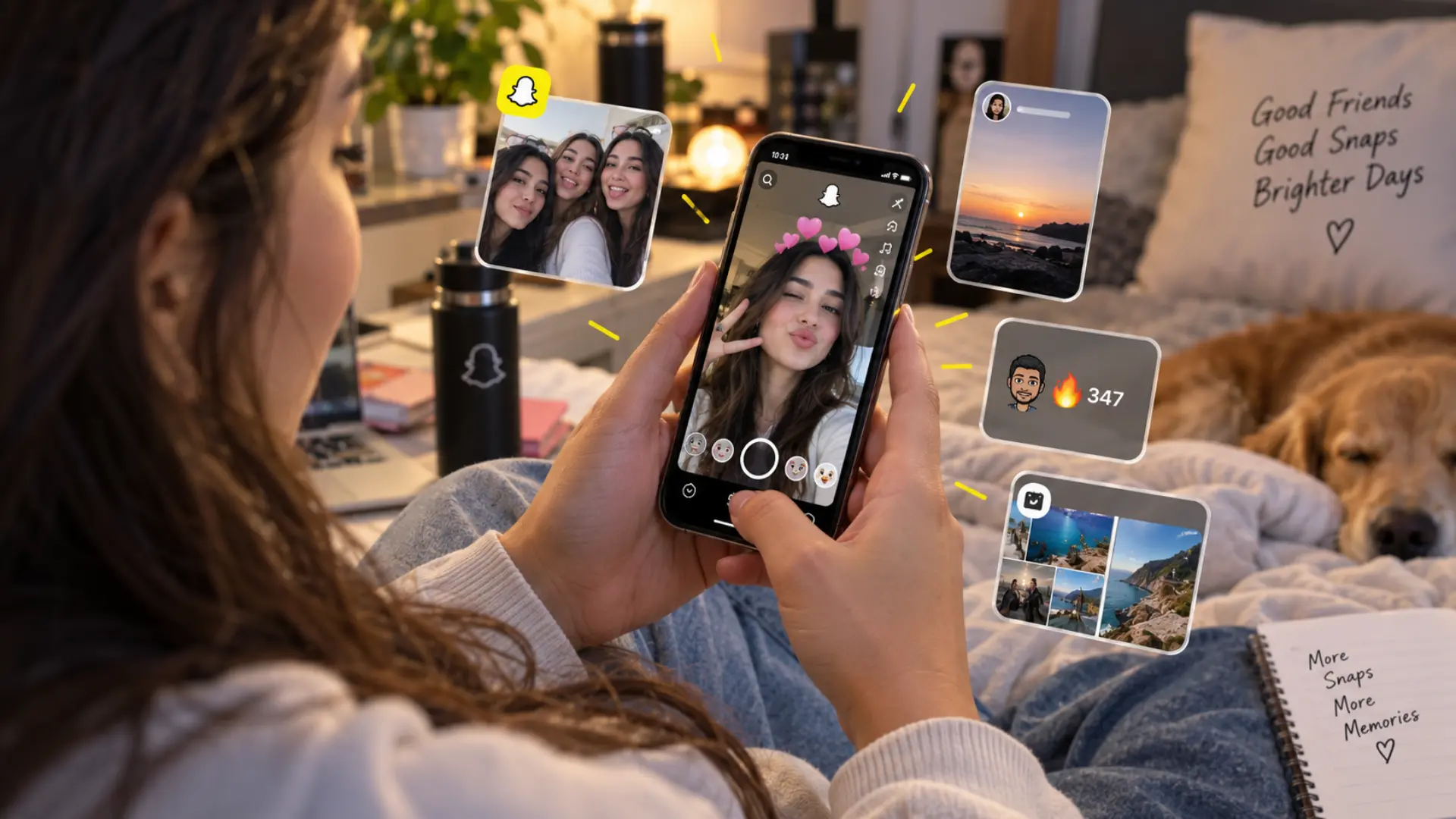
6. Snapchat Lenses
Snapchat Lenses are interactive camera effects that can change your appearance, surroundings, or the way a Snap behaves.
Many Lenses use augmented reality to recognize faces or objects and can add animations, virtual objects, facial effects, or interactive elements.
How to use a Lens: Open the Snapchat camera, browse the available Lens options, select one, and capture your Snap while the effect is active.
Lenses are particularly useful when you want to make a photo or video more creative before sharing it.
7. Snapchat Filters
Snapchat Filters add visual effects, information, or overlays to a Snap.
Filters and Lenses are often confused, but they generally serve different purposes. Lenses are more closely associated with interactive camera and augmented-reality effects, while Filters typically work as visual overlays or effects added to your captured content.
How to use a Filter: Capture your Snap and swipe through the available filters to find one you want to apply.
The filters available to you can depend on your location, content, device, and Snapchat’s current offerings.
8. Snapchat Spotlight
Spotlight is Snapchat’s short-form video discovery feature. It allows users to watch public videos and gives creators a way to reach people beyond their personal friend lists.
How to use Spotlight: Open Spotlight, browse through videos, and interact with the content you find interesting. Eligible users can also create and submit their own public videos.
The key difference between Spotlight and Stories is the audience. Stories are commonly used to share updates with friends or followers, while Spotlight is built around discovering public short-form content.
9. Snap Map
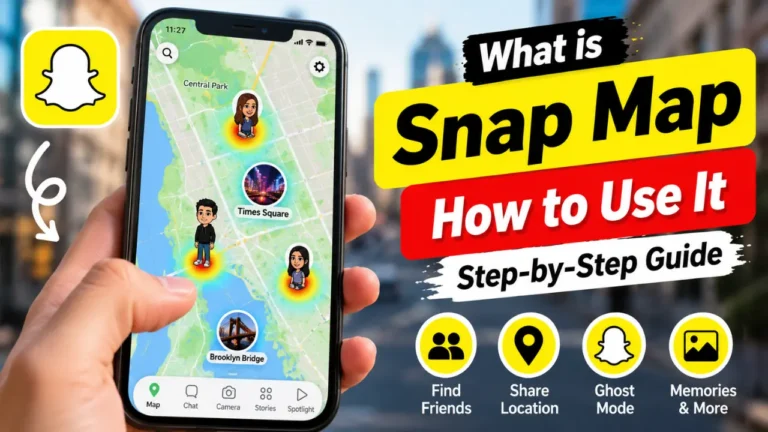
Snap Map is Snapchat’s location and discovery feature. It can help users explore places, public Snaps, map content, and location-based experiences.
Depending on the current Snapchat experience, Snap Map can include features such as Explore, Memories, Hot Spots, and other map-based Layers.
How to use Snap Map: Open the map from Snapchat and explore the available locations or content. If you use location sharing, review your privacy settings before deciding who should be able to see your location.
Snap Map also includes Ghost Mode, which lets you hide your location from other Snapchat users.

10. My AI
My AI is Snapchat’s AI-powered experience built into the app.
It can be used for conversations, recommendations, and different AI-powered experiences available through Snapchat. Its capabilities can change as Snapchat introduces new AI tools and updates existing ones.
How to use My AI: Open your Chat area and select My AI when it is available on your account, then interact with it like a conversational assistant.
Because Snapchat continues to develop its AI features, the tools and capabilities available to users may change over time.
11. Public Profiles
A Public Profile gives eligible Snapchat users a public-facing space where they can share content with a broader audience.
It can be particularly useful for creators, businesses, and users who want to make their Snapchat presence more discoverable.
Depending on the account and available features, a Public Profile can showcase public Stories, Spotlight content, and other information.
When should you use a Public Profile? It makes the most sense when you want to share content beyond your personal circle of Snapchat friends.
Snapchat Planets & Friend Solar System
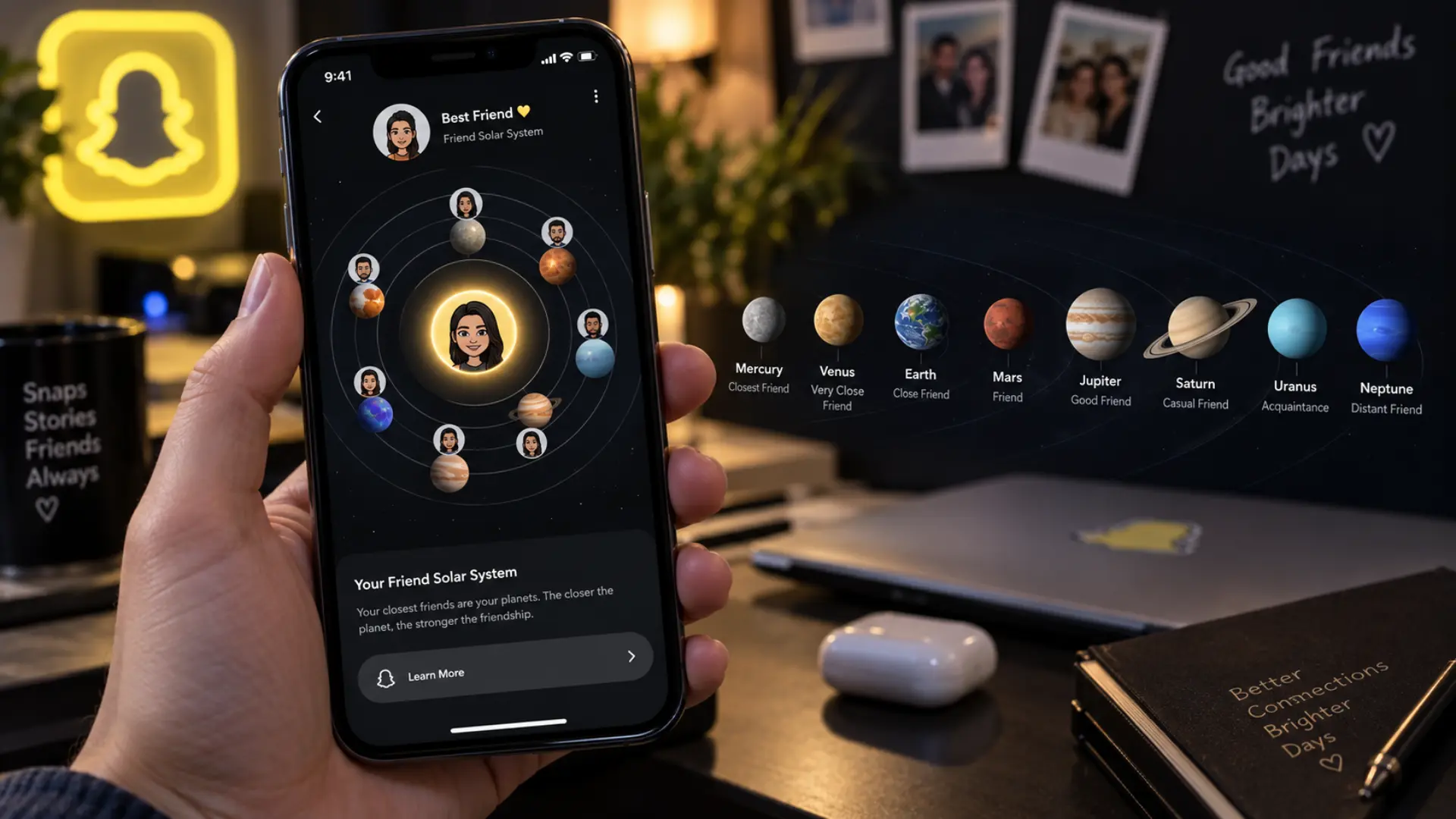
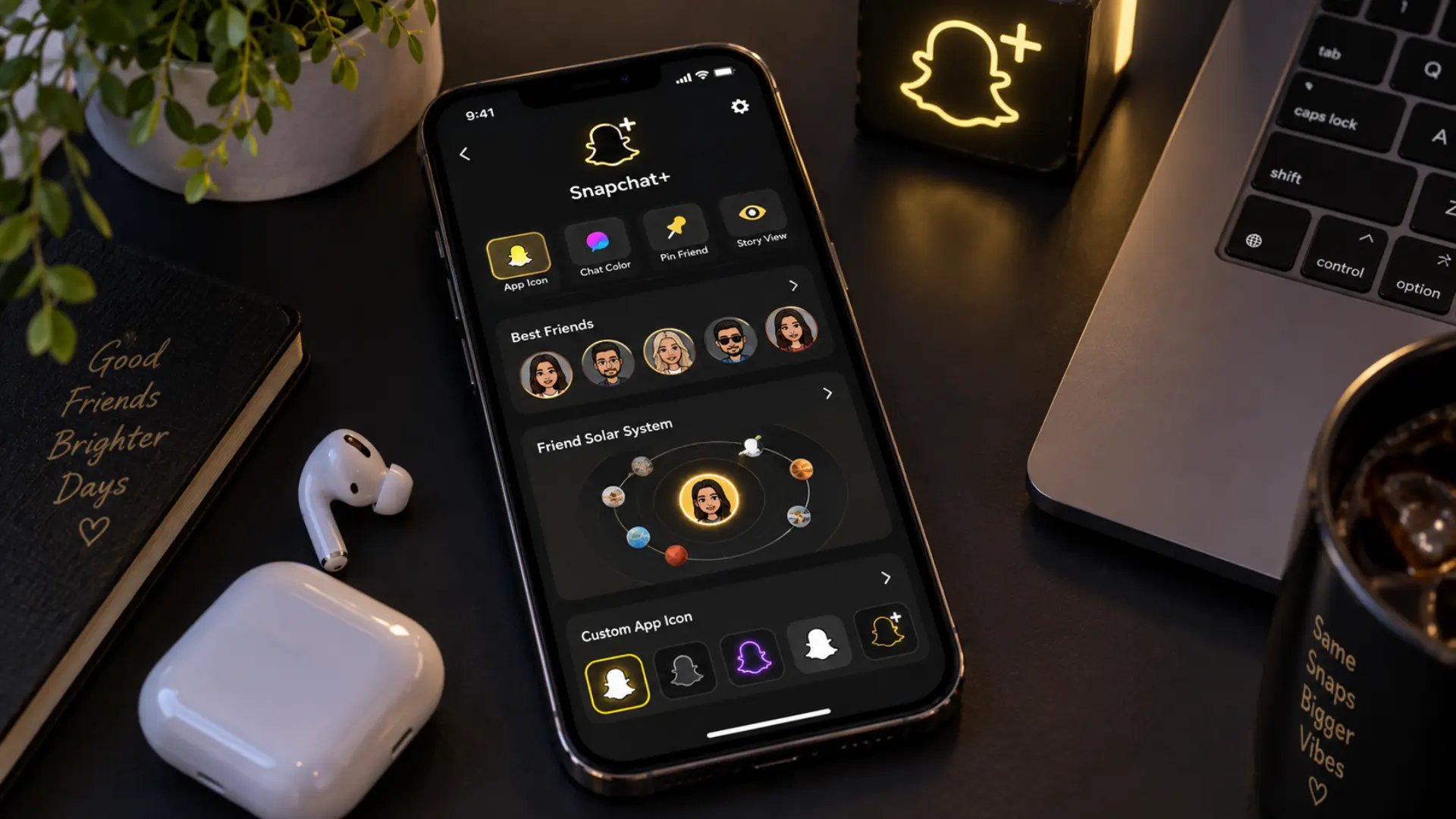
Snapchat Planets are part of Snapchat’s Friend Solar System, a Snapchat+ feature that represents your position among another user Best Friends using planets.
The other person is represented as the Sun, while your position is represented by one of eight planets. The closer your position is to the Sun, the higher your position is in that person’s Best Friends list.
Snapchat Planets in Order
| Position | Planet |
|---|---|
| #1 | Mercury |
| #2 | Venus |
| #3 | Earth |
| #4 | Mars |
| #5 | Jupiter |
| #6 | Saturn |
| #7 | Uranus |
| #8 | Neptune |
In simple terms, Mercury represents the first position, while Neptune represents the eighth position.
The Friend Solar System is an optional Snapchat+ feature. Snapchat says the feature is turned off by default for first-time Snapchat+ subscribers, so having Snapchat+ does not automatically mean you must use the Solar System.
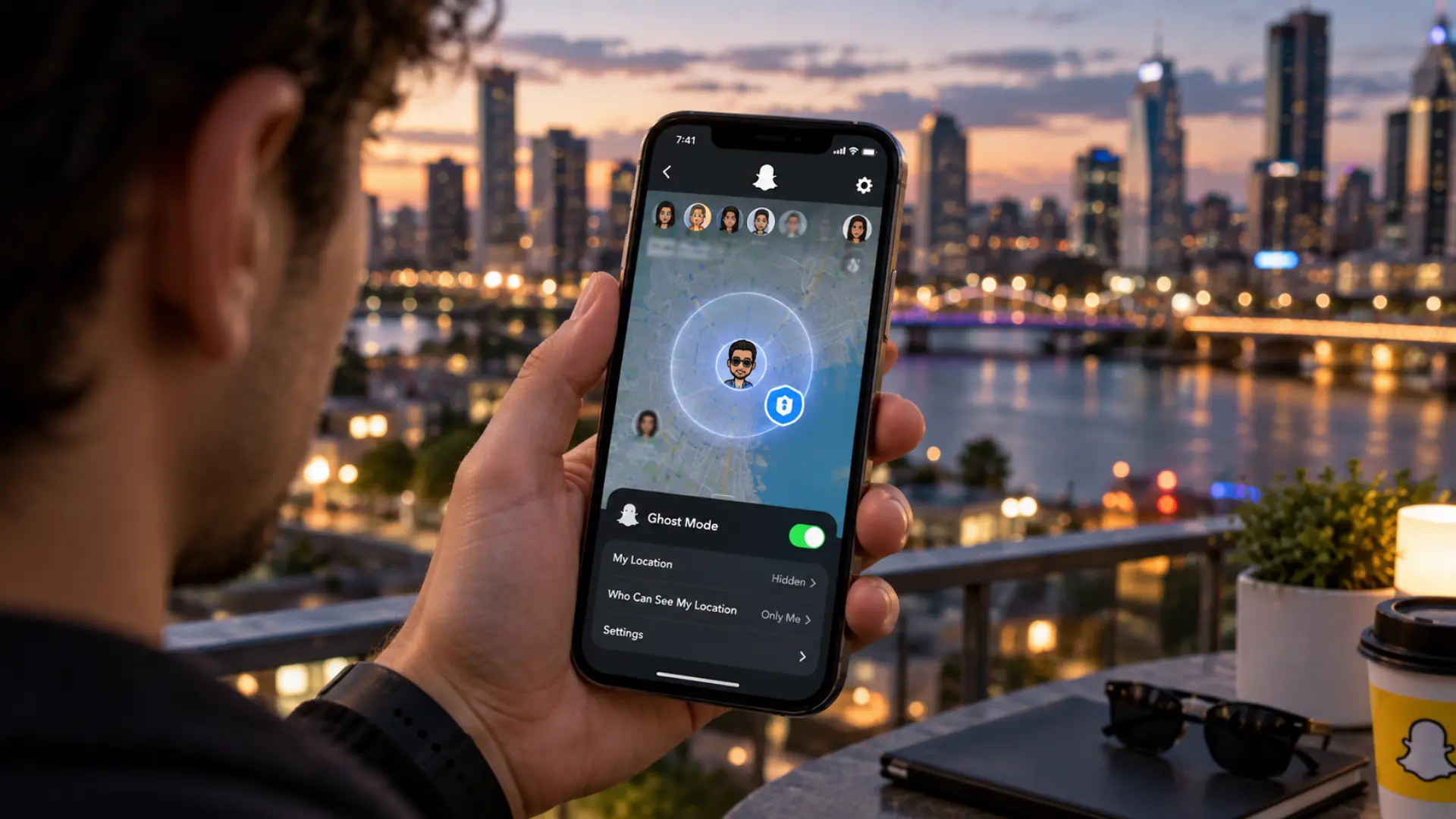
Snapchat Privacy Features
Privacy is an important part of understanding Snapchat because several features involve sharing content, activity, or location.
Ghost Mode
Ghost Mode hides your location from other Snapchat users on Snap Map.
If you do not want friends to see where you are, you can enable Ghost Mode through Snap Map’s privacy controls.
Story Privacy
Snapchat lets you control who can view your Stories. Review these settings before posting if you share personal or private content.
Contact Settings
You can manage who can contact you through Snapchat’s privacy settings. This is particularly useful if you have a public-facing account or regularly interact with people you do not know personally.
Location Sharing
Location sharing is controlled through Snapchat’s settings. You can choose whether your location is visible and use Ghost Mode when you want additional privacy.
Blocking and Reporting
If someone is sending unwanted content or behaving inappropriately, you can block the account or report the user to Snapchat.
These tools are useful for keeping control over your Snapchat experience.
Snapchat+ Features Explained
Snapchat+ is a paid subscription that provides additional features, customization options, and selected exclusive or experimental tools.
It does not replace Snapchat’s core features. You can still use Snaps, Chat, Stories, Memories, Lenses, and Spotlight without subscribing to Snapchat+.
Some Snapchat+ features can include:
- Friend Solar System
- Additional friendship features
- Story-related tools
- Streak-related options
- Custom app icons
- Customization options
- Additional profile features
- Selected AI-powered features
- Early access to certain features
Snapchat regularly changes its Snapchat+ lineup, so the exact features available can vary over time.
Snapchat Friends and Social Features
Snapchat also includes several features designed around friendships and social interaction.
Best Friends
Your Best Friends are people you interact with most through Snaps and Chats. Your Best Friends list can change as your interaction patterns change.
Friend Emojis
Snapchat uses Friend Emojis to represent different friendship statuses. These can change automatically based on how you interact with other users.
Friendship Profiles
A Friendship Profile brings friendship-related information and shared content together in one place.
It can also provide access to certain friendship features, including Snapchat+’s Friend Solar System where available.
Bitmoji
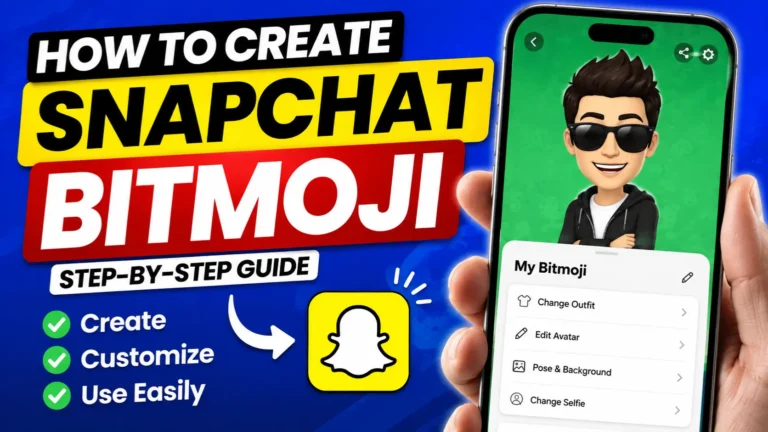
Bitmoji is a personalized cartoon avatar that can appear throughout Snapchat, including your profile, chats, stickers, and Snap Map.
It gives users another way to personalize how they appear inside the app.
Snapchat Notifications Explained
Notifications help you keep track of activity without constantly opening Snapchat.
Snap Notifications
These alerts can tell you when someone sends you a Snap.
Chat Notifications
Chat notifications can alert you when someone sends a message or interacts with a conversation.
Story Notifications
Depending on your settings and the features available to your account, Snapchat can provide notifications related to Stories and other activity.
Screenshot Notifications
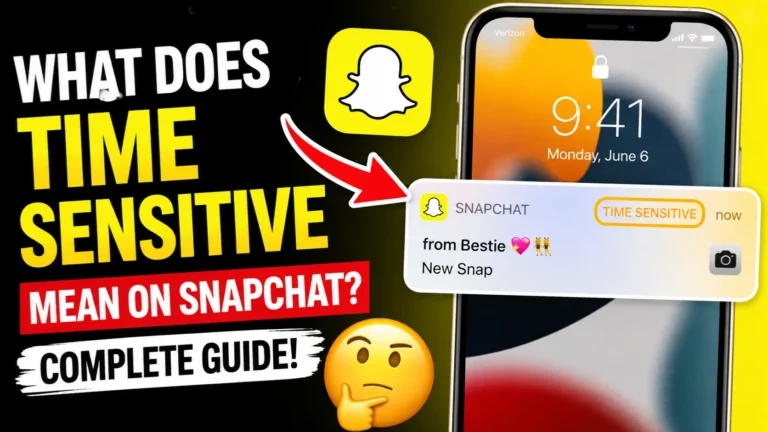
Certain Snapchat interactions can generate indicators when someone takes a screenshot. The behavior can vary depending on the type of content or interaction.
Streak Notifications
Streak reminders can help you remember when an active Snapstreak needs attention.
Snapchat Symbols and Emojis Explained
Snapchat uses symbols and emojis to communicate information quickly.
| Symbol or Emoji | Common Meaning |
|---|---|
| 🔥 | Active Snapstreak |
| ❤️ | Strong friendship status |
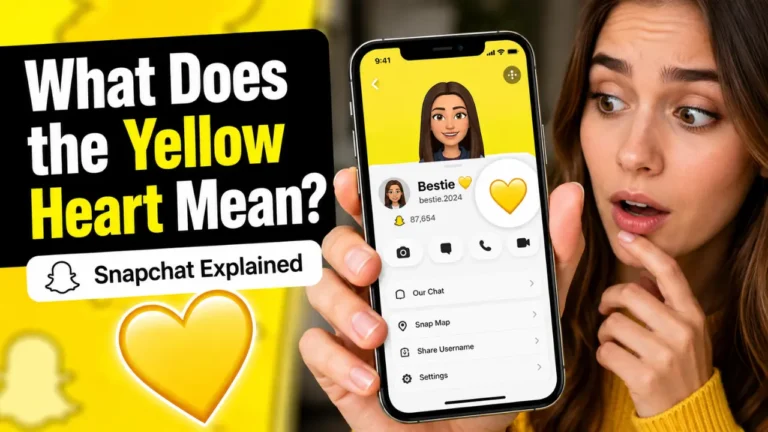
| 💛 | Best Friends relationship |
| 😊 | Best Friends indicator |
| ⌛ | Snapstreak warning |
| Screenshot indicator | Screenshot activity |
| Snapchat+ badge | Snapchat+ subscription indicator |
The exact meaning of an emoji or symbol can depend on where it appears in Snapchat, and Snapchat may change these indicators over time.
Best Snapchat Features for Beginners
You do not need to learn every Snapchat feature on your first day. Start with the tools that match what you want to do.
| If You Want To… | Start With… |
|---|---|
| Message a friend | Chat |
| Send a quick photo or video | Snaps |
| Share an update | Stories |
| Maintain daily interaction | Streaks |
| Save photos and videos | Memories |
| Add AR effects | Lenses |
| Add visual overlays | Filters |
| Discover short videos | Spotlight |
| Explore locations | Snap Map |
| Keep your location private | Ghost Mode |
| Understand friendship ranking | Friend Solar System |
| Get premium customization | Snapchat+ |
Once you understand these basics, the rest of Snapchat becomes much easier to navigate.
Free Snapchat Features vs Snapchat+
| Feature | Free Snapchat | Snapchat+ |
|---|---|---|
| Snaps | Yes | Yes |
| Chat | Yes | Yes |
| Stories | Yes | Yes |
| Streaks | Yes | Yes |
| Memories | Yes | Yes |
| Lenses | Yes | Yes |
| Filters | Yes | Yes |
| Spotlight | Yes | Yes |
| Snap Map | Yes | Yes |
| Friend Solar System | No | Yes |
| Premium customization | Limited | More options |
| Snapchat+ exclusive features | No | Yes |
The main difference is simple: Snapchat+ adds premium tools, while the core Snapchat experience remains available for free.
New Snapchat Features and Updates
Snapchat regularly changes its app by introducing new creative tools, AI experiences, communication options, and updates to existing features. This means a feature described in an older Snapchat guide may look different today, or a newer tool may not be available in every account yet.
If you cannot find a feature mentioned in a guide, first make sure Snapchat is updated to the latest version. You should also check whether the feature is available for your account, device, and region. For the most accurate information, use Snapchat’s current in-app settings and official support documentation when checking a newly introduced feature.
Frequently Asked Questions
What are the main features of Snapchat?
The main Snapchat features include Snaps, Chat, Stories, Streaks, Memories, Lenses, Filters, Spotlight, Snap Map, My AI, Public Profiles, privacy tools, and Snapchat+. Each feature has a different purpose, from messaging friends to creating, saving, and discovering content.
What is Snapchat mainly used for?
Snapchat is mainly used for communicating through photos, videos, and Chat. You can also use it to share Stories, maintain Streaks, discover public videos through Spotlight, explore Snap Map, save content in Memories, and personalize Snaps with Lenses and Filters.
What are Snapchat Stories?
Snapchat Stories are collections of photos and videos that you share with an audience. Depending on your privacy settings and account type, you can share Stories with friends or make content available more broadly.
What is a Snapstreak?
A Snapstreak is a record of consecutive days when two friends exchange Snaps. An active Streak is usually shown with a 🔥 emoji and a number representing the length of the Streak.
What are Snapchat Planets?
Snapchat Planets are part of the Friend Solar System feature available with Snapchat+. They represent your position among another user’s Best Friends using eight planets, with Mercury representing the first position and Neptune representing the eighth.
What is the Snapchat Friend Solar System?
The Friend Solar System is a Snapchat+ feature that uses a solar-system design to show your position in another person’s Best Friends list. The other person is represented as the Sun, while your position is represented by one of eight planets.
What do Snapchat Planets mean?
Each Snapchat Planet represents a position in the Friend Solar System. Mercury represents the first position, Venus the second, Earth the third, and the sequence continues through Neptune at the eighth position.
Is the Friend Solar System free on Snapchat?
No. Friend Solar System is a Snapchat+ feature. Snapchat also says the Solar System is turned off by default for first-time Snapchat+ subscribers, allowing users to choose whether they want to use it.
What is Snapchat Spotlight?
Spotlight is Snapchat’s short-form video discovery feature. It allows users to watch public videos and gives creators an opportunity to reach a broader audience.
What is Snap Map?
Snap Map is Snapchat’s location and discovery feature. It can be used to explore places, public Snaps, and other map-based experiences. Your location-sharing settings determine who can see your location.
What is Ghost Mode on Snapchat?
Ghost Mode is a Snap Map privacy setting that hides your location from other Snapchat users. It is useful when you want to use Snapchat without sharing your location with friends.
What is Snapchat+?
Snapchat+ is Snapchat’s paid subscription that provides additional features, customization options, and selected exclusive or experimental tools. Core features such as Snaps, Chat, Stories, Memories, and Spotlight remain available without Snapchat+.
What is My AI on Snapchat?
My AI is Snapchat’s AI-powered experience. It can interact with users through Chat and support different recommendations and AI-powered experiences. Its available capabilities can change as Snapchat introduces new AI tools.
What is the difference between Snapchat Filters and Lenses?
Lenses are generally interactive augmented-reality effects that can respond to your face, movements, or surroundings. Filters are usually visual overlays or effects that you apply to a Snap after capturing it.
Can people see my location on Snapchat?
They can see your location only according to your location-sharing settings and the Snapchat features you have enabled. You can use Ghost Mode or adjust your location-sharing options if you do not want to share your location.
How many Best Friends can you have on Snapchat?
Snapchat can show up to eight Best Friends. The people included can change over time based on your interactions through Snaps and Chats.
Are Snapchat features the same for everyone?
Not always. Some Snapchat features can vary by account, device, location, age, app version, or Snapchat+ subscription. Snapchat also introduces and tests new features at different times.
How do I get the latest Snapchat features?
Keep the Snapchat app updated through your device’s app store and check your Snapchat settings regularly. Some new features may also be introduced gradually, so an update does not always mean every feature will immediately appear on every account.
Final Thoughts
Snapchat has evolved far beyond its original disappearing-photo concept. Today, it combines private communication, Stories, Streaks, creative camera tools, saved Memories, short-form video, location discovery, AI experiences, public profiles, and premium features.
The easiest way to understand Snapchat features is to start with the tools you are most likely to use. Learn Snaps and Chat first, then explore Stories, Streaks, Memories, Lenses, Filters, Spotlight, and Snap Map.
If you want additional customization and premium tools, Snapchat+ provides another layer of features. One of those is the Friend Solar System, where Snapchat Planets represent positions among another user’s Best Friends.